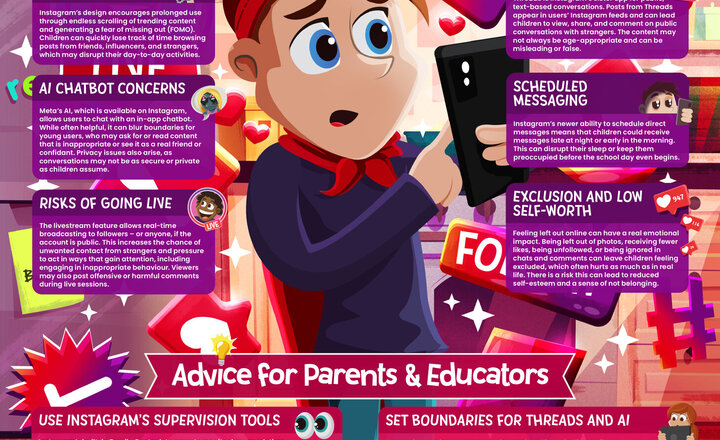
Online Safety - Instagram
Instagram remains a go-to app for teens, with its endless stream of photos, videos, and ‘Stories’ keeping young users constantly connected. From influencer content to live broadcasts, the platform is packed with evolving features that can feel fun and engaging – but can also raise some serious concerns around screen time, online pressures and exposure to inappropriate content. We’ve created this free guide – also available in podcast format – offering parents and educators up-to-date knowledge on the risks and safety tips for this latest version of Instagram.
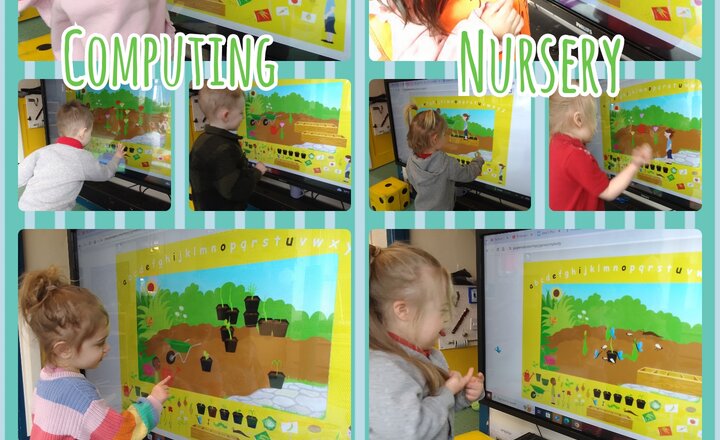
Nursery - Computing - Exploring The Garden Centre
Linked with our spring story 'Grow it!', the children have been exploring the garden centre on purplemash. Understanding a tap and drag movement to place different items into the garden. The children discovered many different plants, mini beasts and equipment that we have been learning about this week and were given the opportunity to put their new vocabulary knowledge into practice. The children observed the effects that the watering can had on the bulbs and seeds, watching the flowers grow once they had been watered, this was definitely the favorite feature!
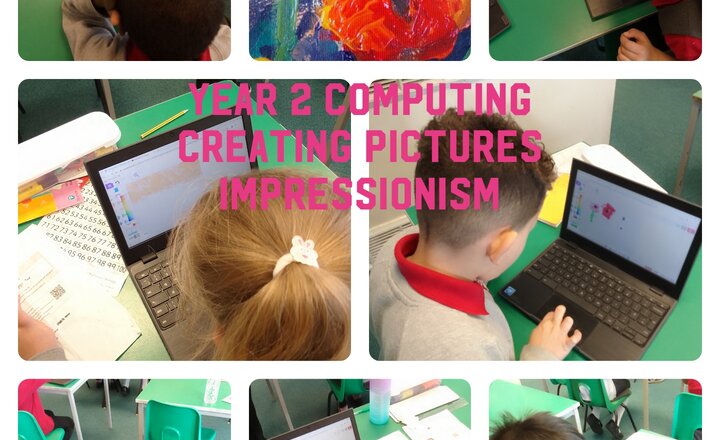
Year 2 Computing - Creating Pictures - Impressionism
Year 2 developed their digital art skills while learning about Impressionism. They studied the techniques of Impressionist painters and then applied those principles to create their own digital Impressionist artwork on the computers.
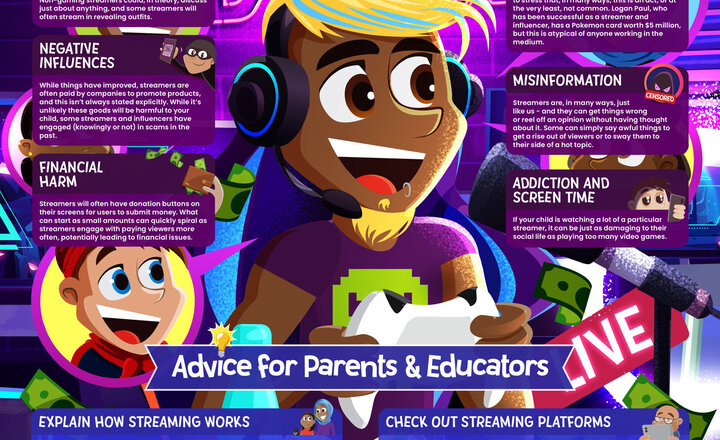
Online Safety - Streamers
Livestreaming is now a major part of children’s entertainment, evolving from gamers sharing screens into a booming industry with diverse personalities. While watching streamers can be entertaining, it comes with no small number of risks for children, such as misinformation, negative influences, and inappropriate content. With over 2.5 million viewers on Twitch – the current most popular streaming platform – at any one time, this guide highlights the potential dangers associated with watching livestreams and the importance of staying informed. We’ve created this free guide – also available in podcast format – to provide parents and educators everything they need to know about streamers and how to keep children protected.
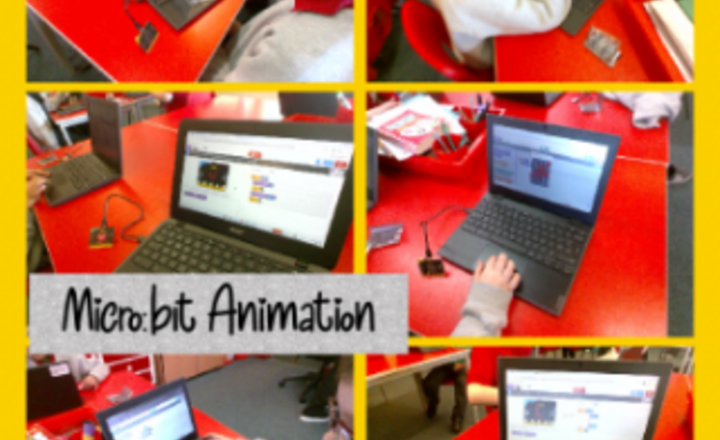
Year 3 Computing - Micro:bit Animation
In Computing, Year 3 created a Micro:bit animation by sequencing images in a loop. They designed and coded a program to display a beating heart on the LED screen, demonstrating their understanding of sequencing and repetition in coding. The children explored how to create simple animations using block-based coding, developing their problem-solving skills and logical thinking. They showed enthusiasm in testing and debugging their code, refining their animations to ensure the heart appeared to “beat” effectively.
.jpg)
Year 4 Coding
Year 4 have been working hard in their computing lessons and have been creating pieces of codes to get their sprites and animations to move and complete simple tasks. Some interesting pieces of programming have been created and enjoyed by all.
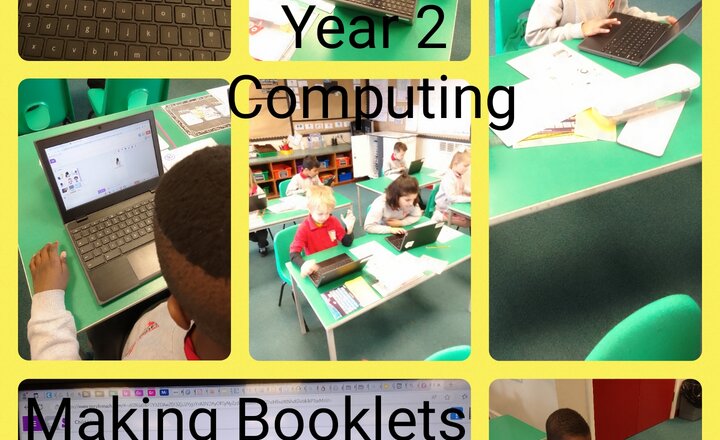
Year 2 Computing: Effective Searching, Making Leaflets
Year 2 have enjoyed learning to search effectively on the internet. This week we created leaflets on the chrome books to help other children with effective searching on the internet!
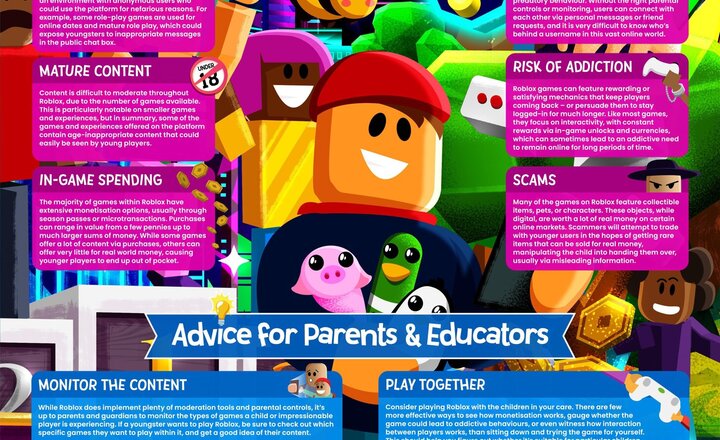
Online Safety - Roblox
Whilst they can be a great way for friends to socialise, online games like Roblox that allow multiplayer gameplay with strangers are always fraught with a variety of dangers that can expose children to inappropriate or harmful content. Roblox enables people to play anonymously, which can often be something that attracts people to misuse the game and potentially put young people at risk of harm. In addition to interacting with random strangers across the world, other factors such as in-game purchases and potential scams can also pose a financial risk. It’s important that parents and educators remain aware of the risks associated with this popular title and how it can be used safely. This free guide – also available in podcast format – offers parents and educators expert advice on what can be done to ensure that young people have a safe and enjoyable experience with Roblox.
.png)
Year 3 Computing - Using Micro:bits
Year 3 started their new computing topic Micro:bits. They programmed the micro:bits to make a badge showing their names.
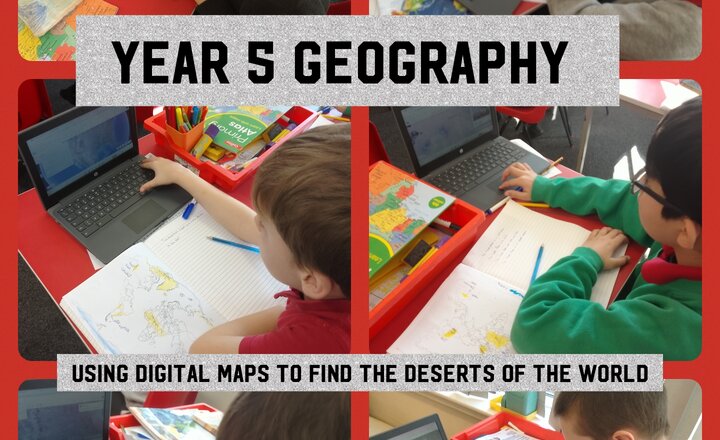
Year 5 Geography - Using Digital Maps to Locate the Deserts of the World
In Geography, Year 5 used digital maps including Google Earth and Google Maps, atlases and printed maps of the world to locate the largest desert on each continent.
.jpg)
PreSchool-Maths- Puzzles!
In Maths this week we have looked at different ways we can start to puzzle, the children used the interactive board to create their own jigsaw and took turns to piece the jigsaw back together. On the maths table we also have people who help us jigsaw and the children enjoy piecing the body parts back together to create a person who helps us.
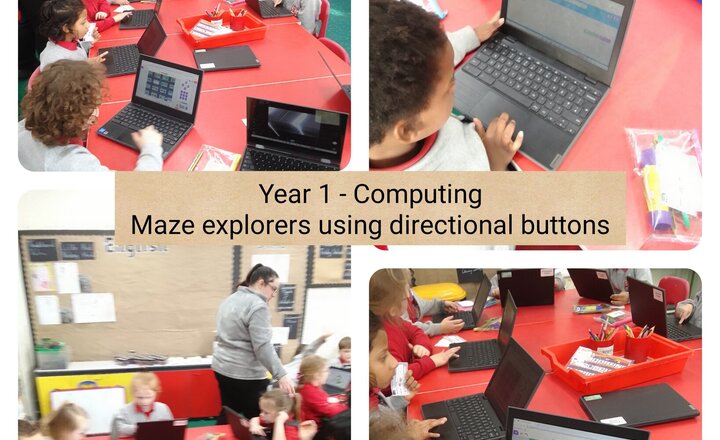
Year 1 - Computing - Maze Explorers
Year 1 began a new Computing Unit called Maze Explorers. During this lesson the children used 2Go on Purple Mash to direct objects to a target.
.png)