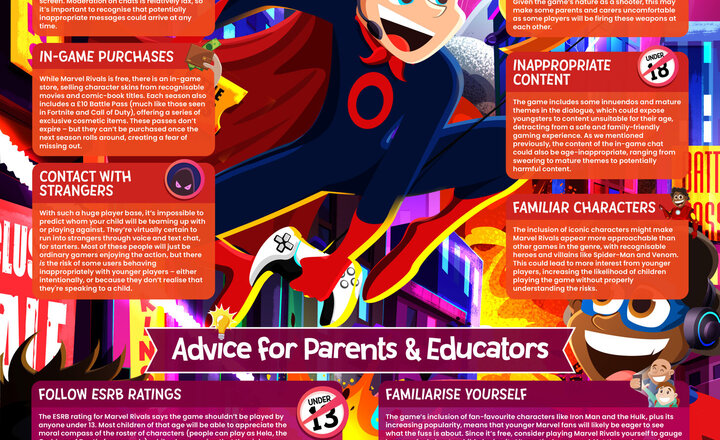
Online Safety - Marvel Rivals
Marvel Rivals is a highly popular multiplayer shooter that pits iconic superheroes against formidable villains. The game is free –to play on PC and current-generation consoles but does feature microtransactions that allow players to spend real money on cosmetic items for their characters. While Marvel Rivals has been deemed suitable for children aged 12 and over, there are several risks associated with the title that parents and educators should be aware of. This free guide offers more information on these safety concerns and lets you know how to ensure that children playing the game can have a fun and age-appropriate experience.
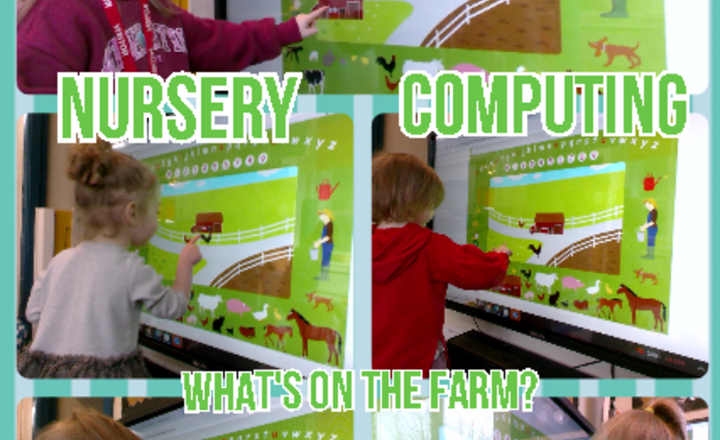
Nursery - Computing - What's On The Farm?
This week in Nursery class we have started our new story 'oh dear!' which is set on a farm! The children used simple city to explore the different animals, plants and buildings we might find on a farm. They used their fingers to drag and place different objects onto the farm and discovered that the animals made noises when they were tapped. The children enjoyed this feature and began to mimic the noises they heard.
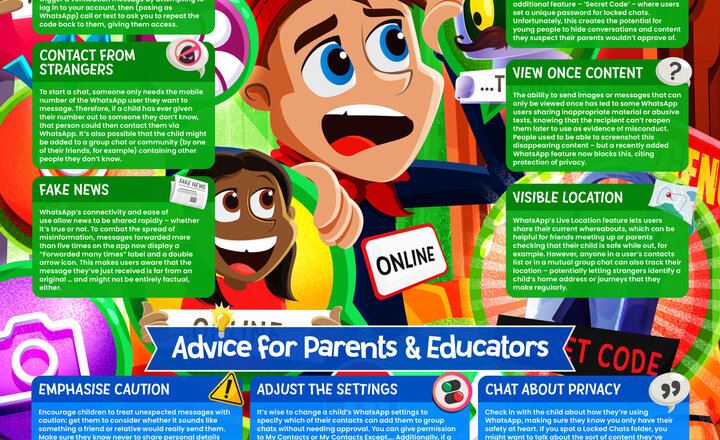
Online Safety - Whatsapp
According to Ofcom’s most recent Media Use and Attitudes Report, roughly 55% of 3-17-year-olds in the UK are using WhatsApp as their primary messaging service
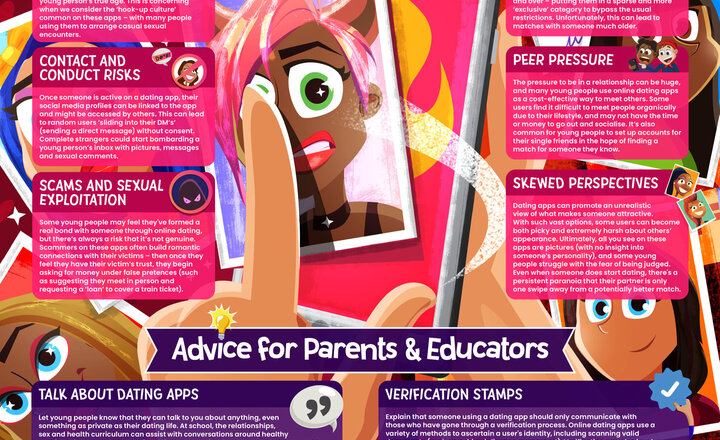
Online Safety - Online Relationships and Dating Apps
Dating apps have grown rapidly in popularity since their introduction, transforming the way many of us meet new people and form relationships. While these platforms are typically restricted to an audience of over-18s, there are still children and young people attempting to make use of them and exposing themselves to their risks – from online harassment to outright abuse. As a parent or educator, it can be daunting to navigate this complex and ever-evolving landscape, and to know how best we can support and protect youngsters who are accessing dating apps. This guide breaks down the risks associated with these platforms and offers expert advice on how to safeguard children from such online safety concerns.
.jpg)
Year 1 - Computing/English - Algorithms.
Year 1 have been deepening their understanding of instructions. We looked at the importance of clear, precise language which would help the reader to understand what needed to be done. With this in mind, we partnered up and gave clear instructions for planting cress - we hope to see some results soon! This also helped to solidify our computing knowledge of algorithms, a digital step by step set of instructions.
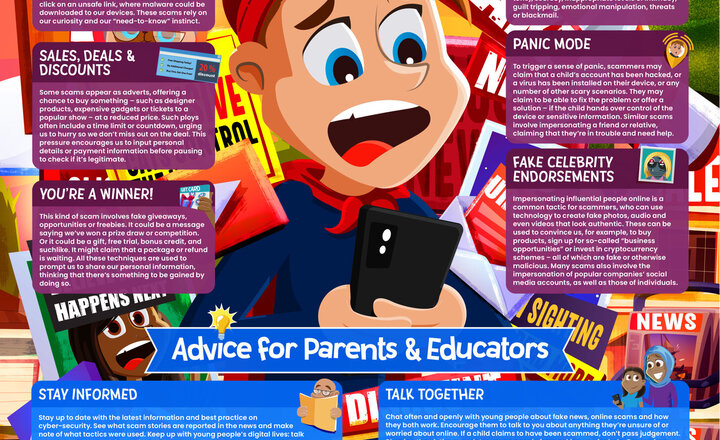
Online Safety - Scams and Fake News
While misinformation and ‘fake news’ are well-known concerns online, it's also the case that scammers and other cyber-criminals can try to utilise this phony material to manipulate, frighten or otherwise persuade their victims into cooperating. With constantly evolving scams and such a high volume of misinformation online, it's vital that parents and educators know how to safeguard the children in their care against these kinds of tactics. Our guide breaks down the most prominent ways in which scammers attempt to use ‘fake news’ to their advantage, as well as how to protect youngsters from being manipulated by such techniques.
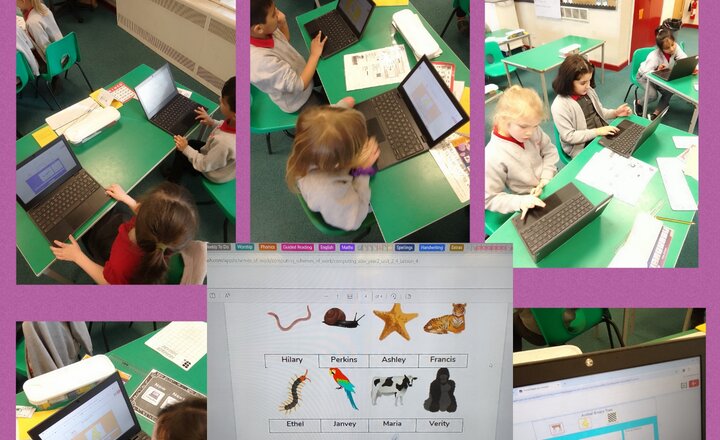
Year 2 Computing - Binary Trees
We have done lots of amazing learning this week, including understanding more about Binary Trees and using them too!
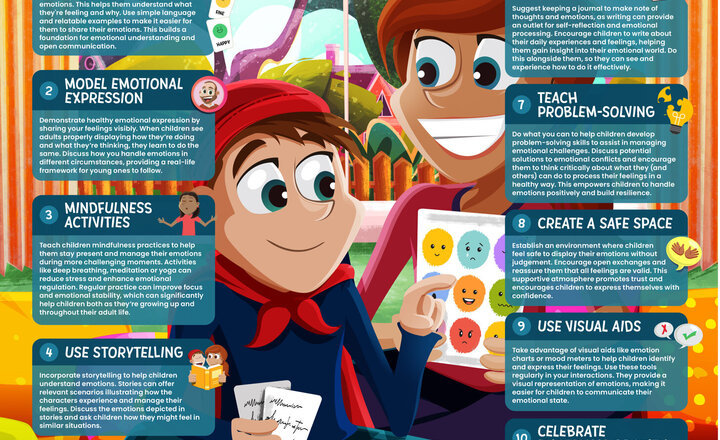
Online Safety - Supporting Children to Develop Emotional Literacy
Anger at a toy being stolen
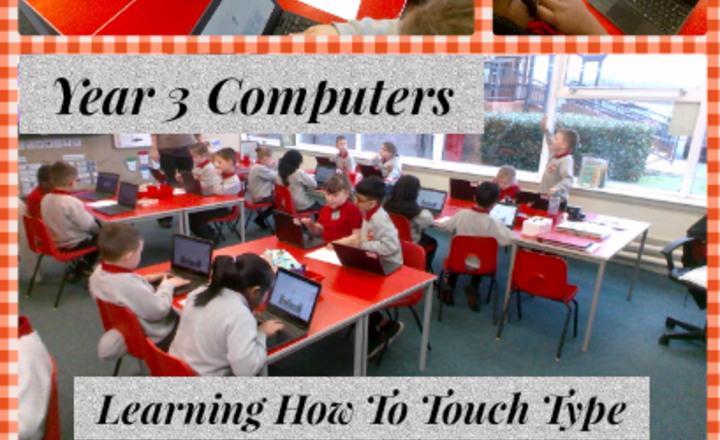
Year 3 Computing - Learning How To Touch Type
In computing, Year 3 have been learning how to sit and position their fingers on the keyboard to help them with their typing. They have also learnt that different fingers work with different keys.
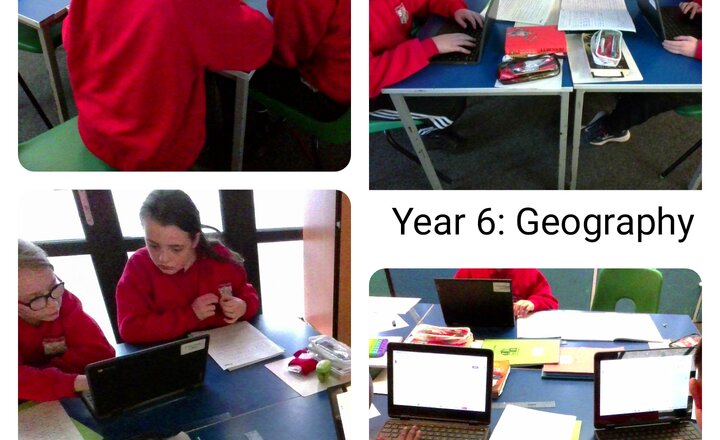
Year 6: Geography - Data Collection Methods
In geography this week year 6 have been learning about different data collection methods. We decided which would be the most efficient for our current enquiry question.
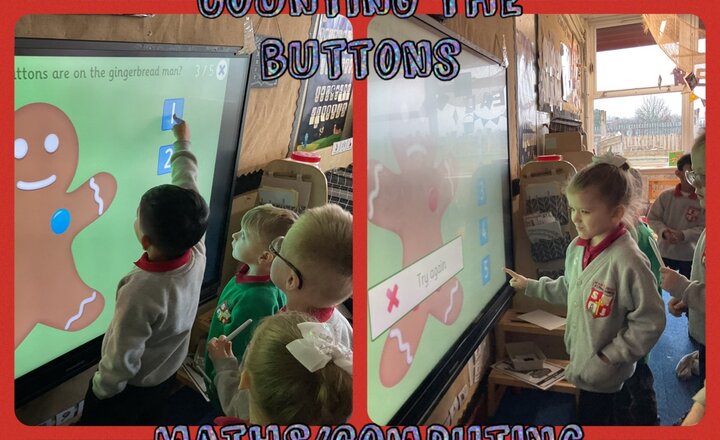
Reception Class - Counting the Buttons on the Gingerbread Man
Reception class have been using the smart board to support their learning in class. The children had to subitise or count the buttons in the gingerbread man and find the correct numeral.
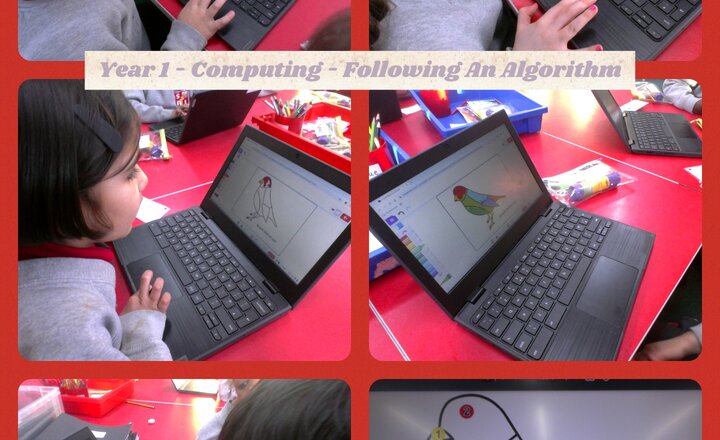
Year 1 - Computing - Following An Alogrithm
Year 1 are working on the unit Lego Builders. They are learning how precise instructions are essential for programming a computer. This week they followed a set of instructions to produce a coloured bird.
.png)