.JPG)
Reception - Understanding the World - Understanding Arrows
Reception class discussed what the different arrows mean and their names (forwards, back, left and right). They then had to follow my instruction when I showed them an arrow, moving one step in that direction.
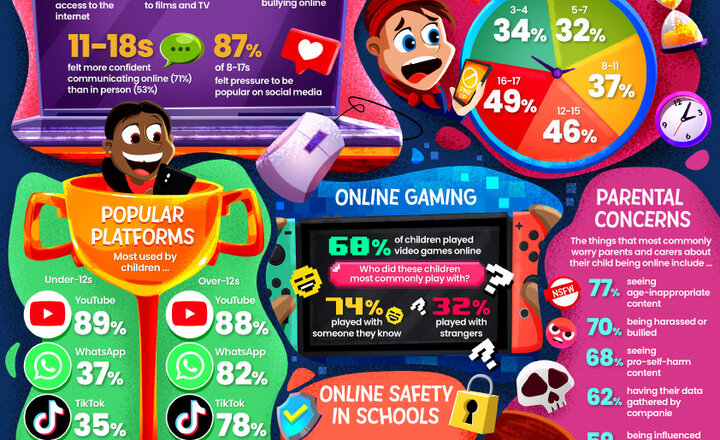
Online Safety - Ofcom Media Report 2024
On 19th April 2024, Ofcom released their annual Media Use and Attitudes Report, detailing the findings of several surveys and their implications for parents, children and young people in the UK. These statistics often include plenty of thought-provoking information relating to online safety. The report itself is extremely extensive, so instead we've provided a bespoke selection of data gathered by Ofcom about children and young people’s experiences on social media, video games and the like. Check our guide for a thorough breakdown of the headline findings.
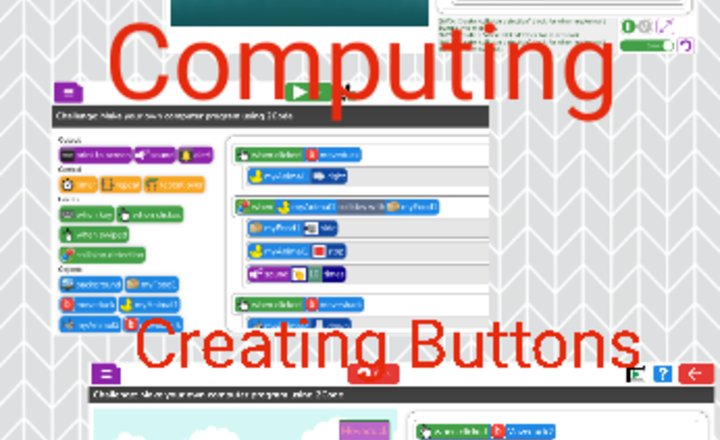
Year 2 Computing - Creating Buttons
In computing this week we were developing our coding skills by learning how to add a button to our code.
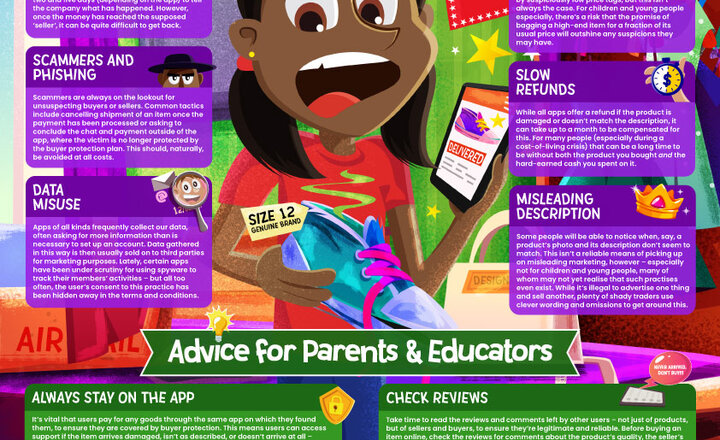
Online Safety - Shopping Platforms
Long gone are the days where eBay and Amazon were the only means of buying quality items online. The rise of user-friendly, accessible shopping apps has meant that getting clothes, gadgets and other goodies delivered direct to your door can be accomplished with a few touches of your phone’s screen while you’re on the go. These apps aren’t without their issues, however, and users still run the risk of scams, data breaches and other online safety concerns. Being aware of these dangers will go a long way to keeping your money and information safe, so you can still enjoy what these shopping apps have to offer. Our guide has some top tips to help protect young people on these purchasing platforms.
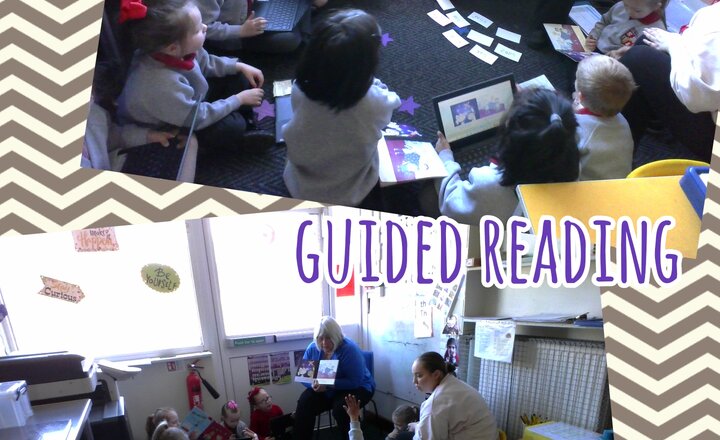
Reception and Y1 - Guided Reading
Reception and Year 1 have been developing their early reading skills. They have been applying their phonetic knowledge to help them decode the words in the book and they have been working on improving their fluency when reading. The children have really enjoyed these interactive reading sessions and have used the Chromebooks to use the ebook feature, this has been a real hit too!
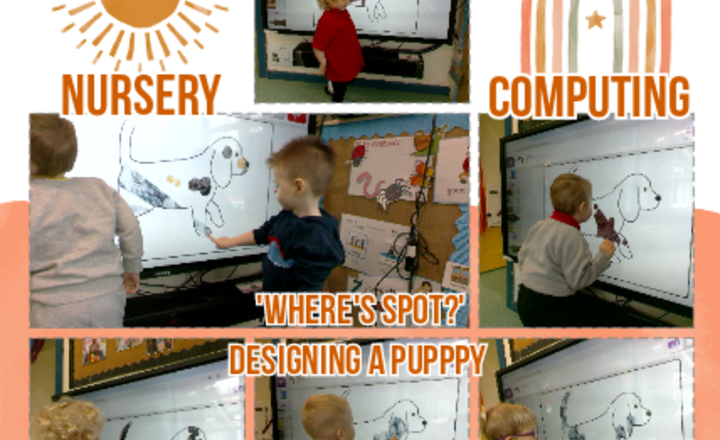
Nursery Class - Computing - 'Where's Spot?', Designing A Puppy.
Nursery class has been working on Purple Mash to design their own puppy after reading our story 'Where's spot?'. The children selected the fur pattern they wanted and used their hands to create different marks on their puppy stencil.
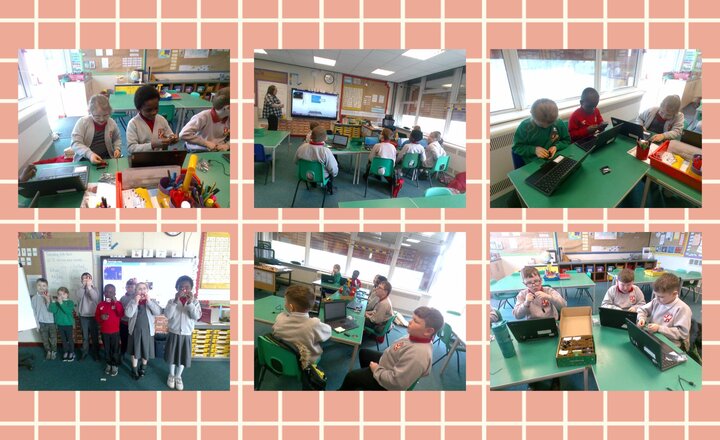
Micro:bit Club - Creating a Name Badge
Today in Micro:bit Club, we took a look at what a Micro:bit is and connected it to a computer. We then wrote a simple algorithm to create an electronic name badge.
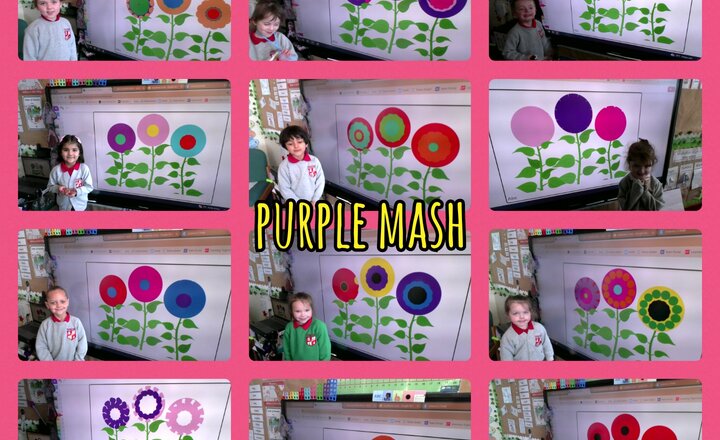
Reception - Purple Mash - Spring Flowers
Reception Class have been using the Purple Mash program- 2Paint to create their flowers. The children had to select their paint and use the toolbar to adjust the thickness of their paint. They used the pen on the interactive board to place their marks and create their flowers.
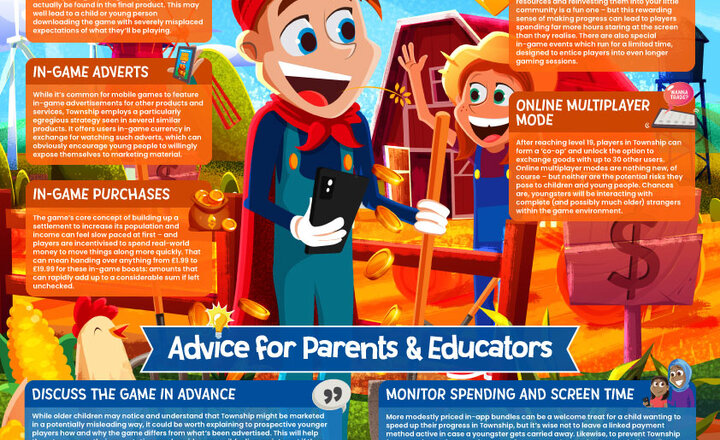
Online Safety - What Parents and Educators Need to Know about Township
Potentially addictive online games are nothing new, but the specifics of this kind of media can vary enormously – and, as a consequence, the risks in each individual game are just as diverse. The city-builder Township is no exception: providing its legions of devotees with accessible, satisfying fun … but exposing them to potential hazards at the same time. However, any safeguarding issues that the game might have can (with a little knowhow) be neutralised – allowing young players to have some engrossing fun without adults needing to worry about children’s data, their money or their mental wellbeing. Our guide outlines how to help young gamers enjoy Township safely and responsibly.
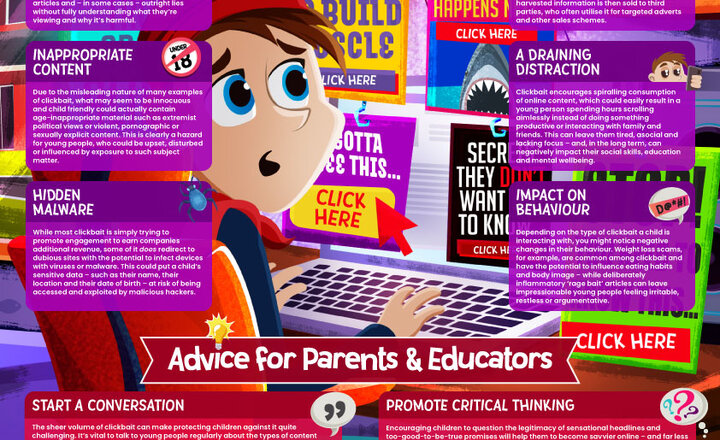
Online Safety - Wake up Wednesday - Clickbait
While scrolling online, you’ll almost inevitably have come across posts or links with headlines like “You Won’t Believe These 10 Crazy Facts about …”. Such lurid language – and the often-dubious nature of the content it promotes – has become something of a running joke on the internet. Yet while these articles are often laughed at by communities online, they can have an insidious side. Clickbait, as it’s known, can frequently function as part of a trap: intended to draw users in for the sake of advertising revenue or, in worse cases, masking an attempting to collect their personal information. This #WakeUpWednesday guide explores the various risks of clickbait and offers some top tips for evading the pitfalls of this controversial marketing technique.
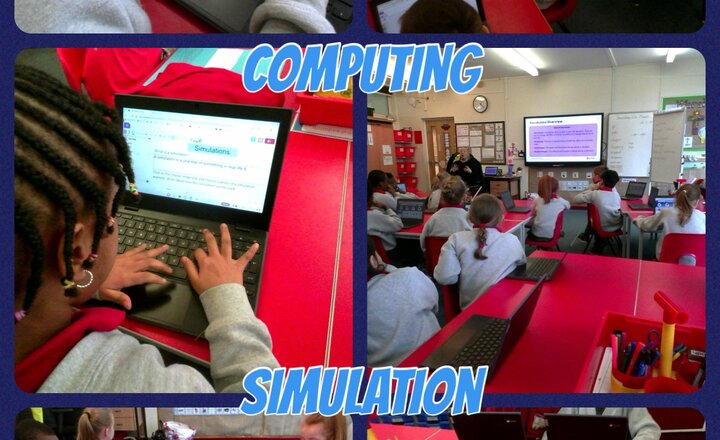
Year 3 - Computing - Simulation
In computers year 3 have been looking at simulation. They have learnt how it can represent real and imaginary situations. The children gave examples of how simulations are used for fun and work. VR headsets are used for gaming and simulators are used by pilots to learn to fly.
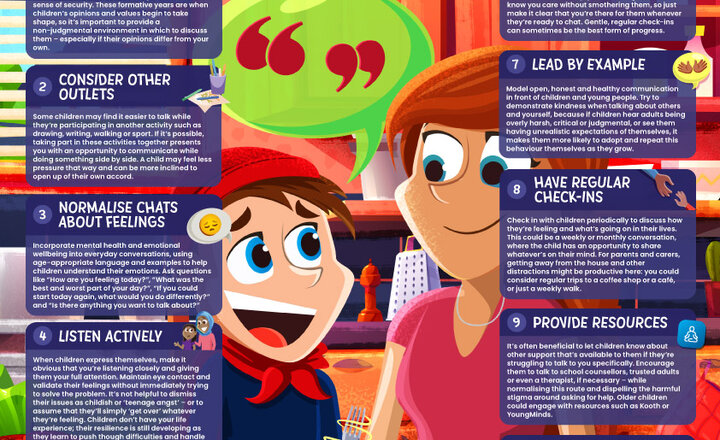
10 Top Tips for Parents and Educators: Encouraging Open Conversations at Home
Cultural and technological changes have made the experiences of today’s children vastly different to our own childhoods; it can be challenging to engage youngsters in open, honest conversation – especially about more sensitive topics. This, combined with many children’s instinct to avoid “rocking the boat”, can make it difficult to stay up to date with the goings on in their lives. However, it’s hugely important that trusted adults still offer an empathetic ear and feel able to encourage young people to open up about their day-to-day activities. This #WakeUpWednesday guide provides ten top tips for promoting open conversations with children – helping to make sure there’s someone they know they can turn to in times of need.
.png)