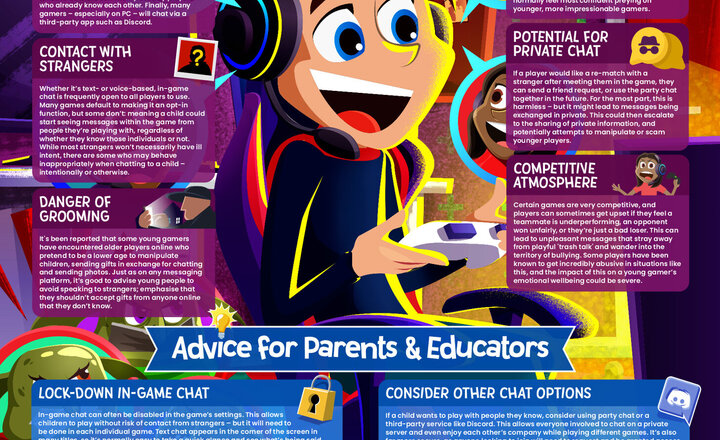
Online Safety - In Game Chat
If you’ve played or seen any online games from the past few years, you’ve probably noticed that almost every title of this kind has some kind of chat functionality. Whether allowing players to send text messages to one another or letting them use their mics to chat together on voice if you’re on a multiplayer game, chances are you can talk to your fellow gamers, one way or another. Sadly, such a function comes with its fair share of risks – as is to be expected with a feature intended to connect gamers from around the world and it is immensely important for parents and educators to understand these concerns and help young players address them. That’s why we’ve put together this free guide, breaking down the most prevalent issues associated with in-game chat and letting you know how to keep youngsters as safe as possible if or when they’re exposed to this feature.
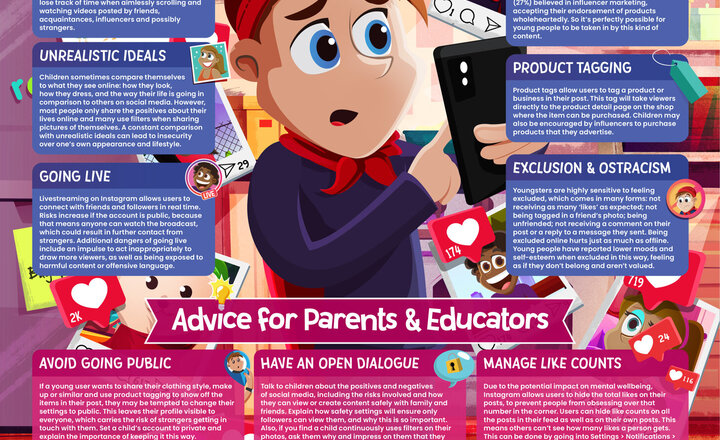
Online Safety - Instagram
Instagram is one of the most well-known social media platforms around, frequented by users of all ages all over the world, and allowing them to share photos and videos with friends, family and the wider public if they wish. The site has many younger users, allowing people as young as 13 to create an account and engage with its community. As a popular choice of platform for teenagers, it's vital that parents and educators understand the risks associated with the site and what can be done to mitigate them. This free guide lets you know about the most prominent safety concerns on Instagram, offering expert advice on how to make young people’s experiences on the app as secure as possible.
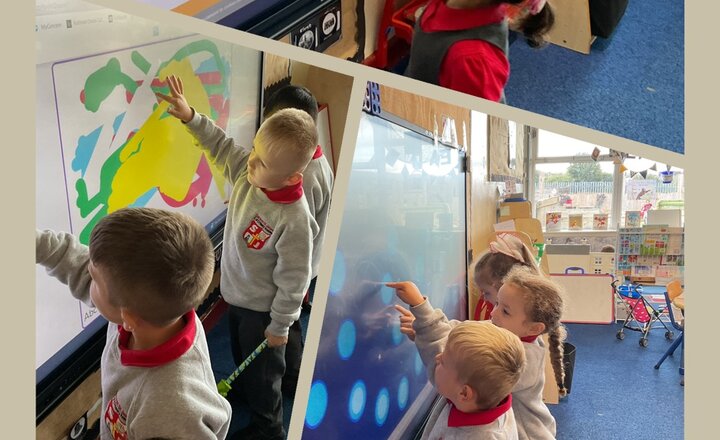
Reception Class - Computing
As part of our settling in week, the children have been exploring the different challenges set on the interactive board! The children have been developing their motor skills and their hand/eye coordination.
Year 3 English - Researching Dogs For Their Own Stories
During English Year 3 have been reading 101 Dalmatians. Today they have been using the Chromebooks to research different breeds of dog. They will use this information to create a new character for their story.
Online Safety - What Parents Need to Know About Sharing Images
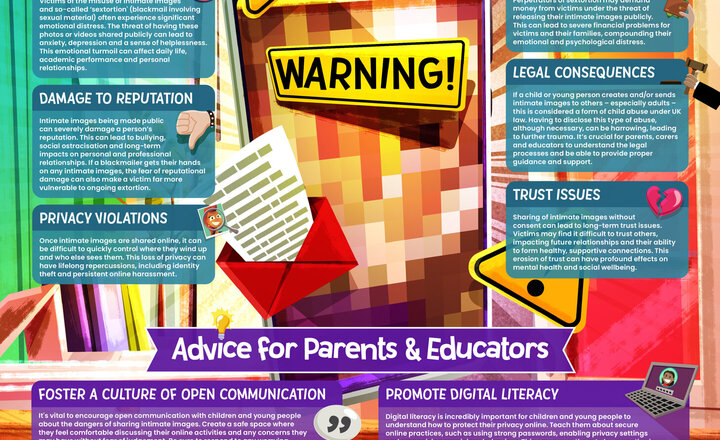
The sharing of intimate images online can be a dangerous avenue through which abusers seek to exploit children and young people, forcibly exposing them to explicit material, coercing them into sharing self-generated intimate images, and extorting them with the threat of sharing such images more widely. From reputational impact to potential blackmail or emotional distress, and even legal consequences, exposure to this harmful behaviour can have a severe impact. It’s important to remember that the creation and distribution of explicit material featuring under-18s – even by the child themselves – is illegal under UK law. Our guide looks at the serious concerns associated with this behaviour, and lets parents and educators know how best to address these issues and protect young people. Sources https://www.childline.org.uk/

Year 2 Computing Repeating Patterns
Year 2 explored the art work of William Morris and then created their own repeating wallpaper patterns using the pattern tool on 2Paint.
Pre School- Computing and Maths- Recognise Numbers
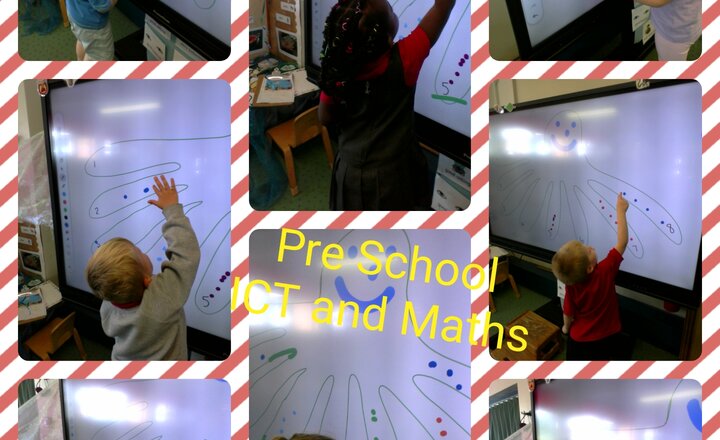
The children have had lots of fun this week developing their knowledge of numbers and counting 1 to 1 correspondence. The children added legs to the octopus and used different colours to add spots as they counted, recognising numbers as they go.
Nursery - Computing - Can You Draw A Sea Animal?
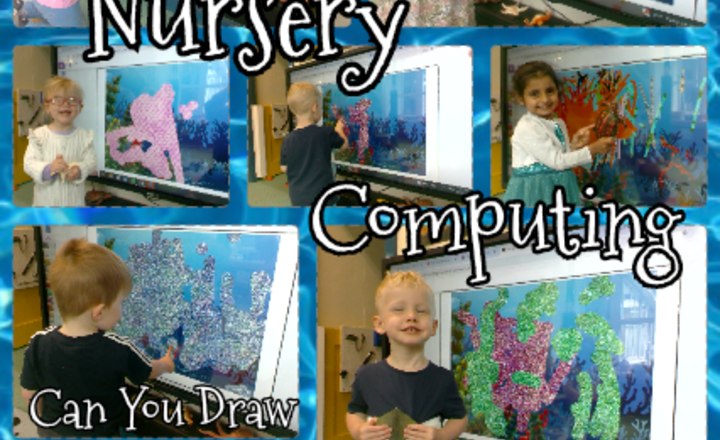
The children in Nursery class have accessed the interactive board to create a picture of a sea animal. They each chose their favorite sea animal from the basket, we discussed what it was called and what characteristics we could see on the animal. The children then selected a colour or texture for their picture and began to make marks on the board to represent their sea animal. They made some fabulous masterpieces and were very proud of their work!
Year 6 Geography
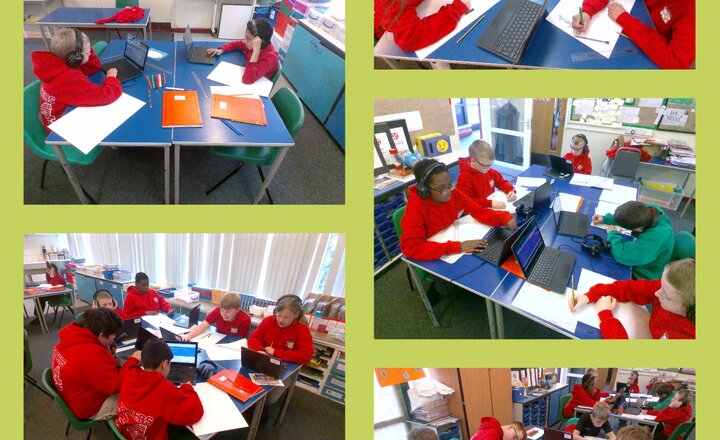
Year 6 have been researching about Rainforests for our Geography topic all about the Amazon and Brazil. We created infographic posters with the information we discovered, which included the layers of the rainforest, and the creatures which live there.
Online Safety - Online Trolling
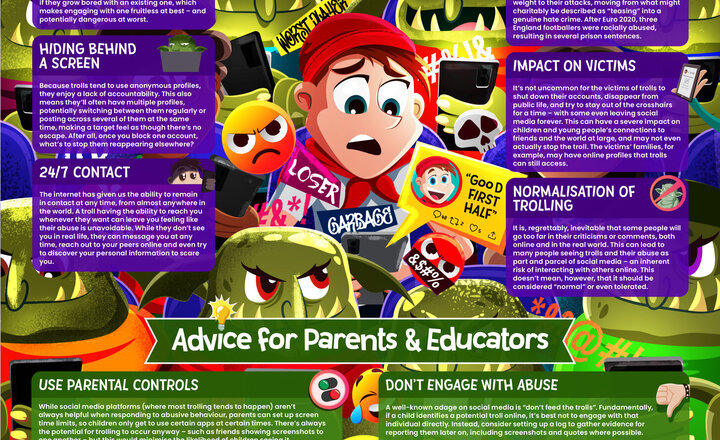
The term “trolling” refers to sending hurtful or provocative comments – often done anonymously online – to provoke a reaction or cause emotional distress. Anonymity can embolden people into saying things they wouldn’t dare say in person. Euro 2024 and other tournaments tend to put an emphasis on this, with the abuse of both players and fans often increasing during such events. This free guide explores the phenomenon of online trolling, detailing its risks and letting you know how to safeguard children from this harmful behaviour. Some people online simply get a kick out of hurting people’s feelings, making it their mission to get a rise out of anyone they encounter. These people – known as “trolls” – are known for intentionally engaging in offensive or abusive behaviour to upset others online or provoke them into sinking to their level. At the height of events such as Euro 2024, when rivalries between various supporters reach an apex, trolling tends to see a bit of an uptick. Unfortunately, while “just ignore them” is genuinely good advice, it can prove very difficult to put into practice. This is especially true for children and young people, who are often still learning how to manage their emotions and sometimes react impulsively to name-calling and other mistreatment. This Wake up Wednesday, however, we’re offering expert guidance on how to keep youngsters safe from online trolling – both avoiding it entirely and responding to it effectively. Sources https://www.esafety.gov.au/young-people/trolling https://www.theguardian.com/football/2021/nov/03/football-fan-jailed-for-racially-abusing-rashford-sancho-and-saka-after-final-euro-2020 https://www.dailymail.co.uk/sport/football/article-13359555/Tottenham-fan-hurls-abuse-Declan-Rice-heads-exit-corner-leads-Arsenals-goal-thrilling-win-Tottenham.html
Year 6: Exploring Coding with Microbits
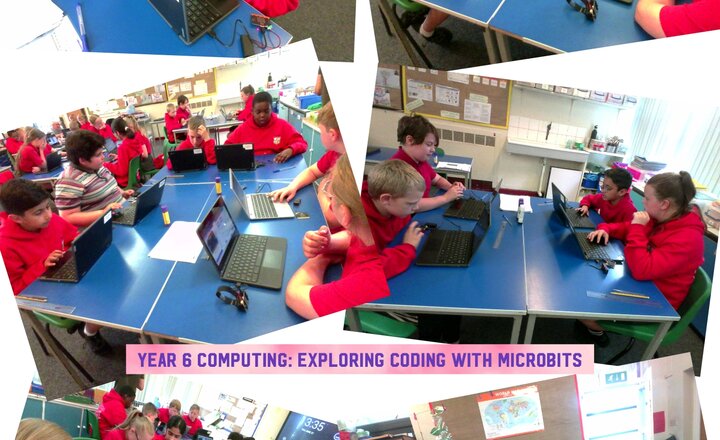
Year 6 have been lucky enough this afternoon to have Rev Kev come along to our class and help us to code the Microbits. We have created thermometers as a class, and then went on to exploring and creating our own coded projects, including 'rock paper scissors', making a rocket fly, making them talk to each other, and making music!
Year 4 Computing - Effective Searching Online
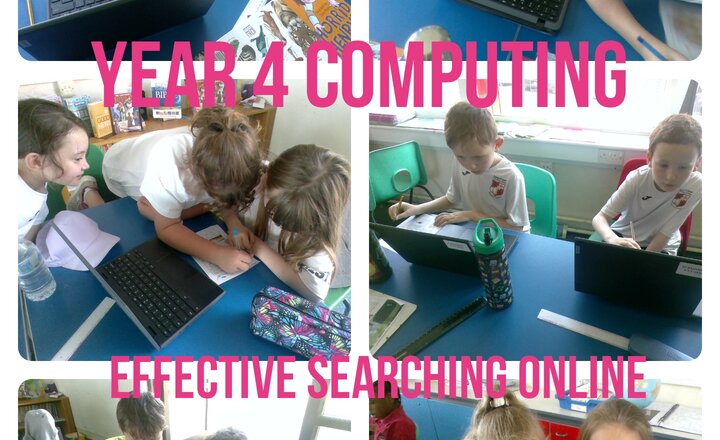
In year 4 this week we have been continuing our topic of using Google (search engine) effectively. We have been finding out if it is true or false that a goldfish has a 3 second memory or that a camel can walk 100 miles without water... Also the truth whether the Great Wall of China is visible from Space!
.png)