.png)
Year 2 Computing Creating Fact Files
In computing we have been looking at ways of presenting information. We had a go at creating fact files on the United Kingdom. We also developed our skills in inserting images and inserting capital letters on the keyboard.
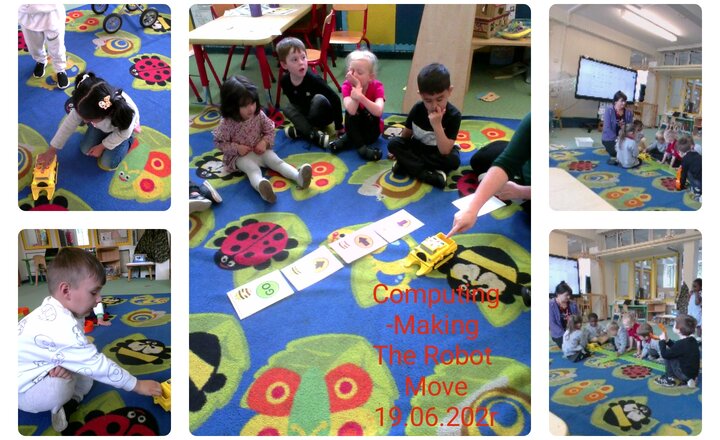
Pre School- Computing-Making the Robot Move
The children have been shown how to use the robot truck. Using the buttons to move it forward, backwards and side to side. We used the cards to plan and give instructions to the robot and watched it move.
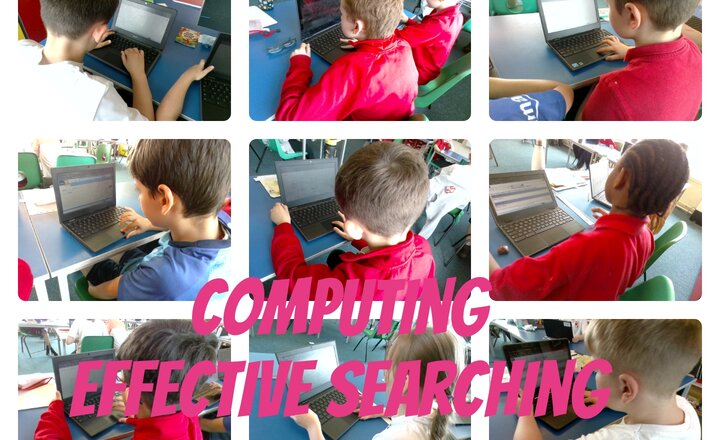
Year 4 Computing - Effective Searching
This week we have continued our work on effective searches within our computing topic and how we can effectively search the internet using key words and phrases to find the information that we need and also how to effectively filter out the information that we don't. It has been an exciting, creative lesson.
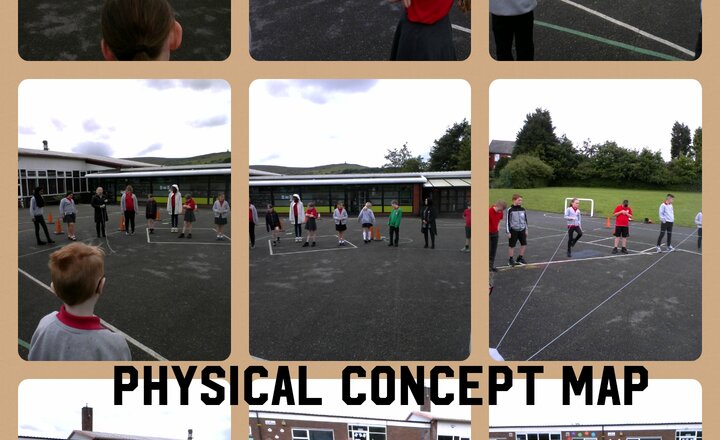
Year 5 Computing Physical Concept Maps
During our computing lesson the children discussed what they thought a concept map was. After the discussion the year 5 children created a physical concept map on the KS2 yard which they really enjoyed.
.jpg)
Year 5 Geography- Digimaps
In our Geography lesson we looked at Darwen on Digimaps. We then looked at the distance from school to another locations.
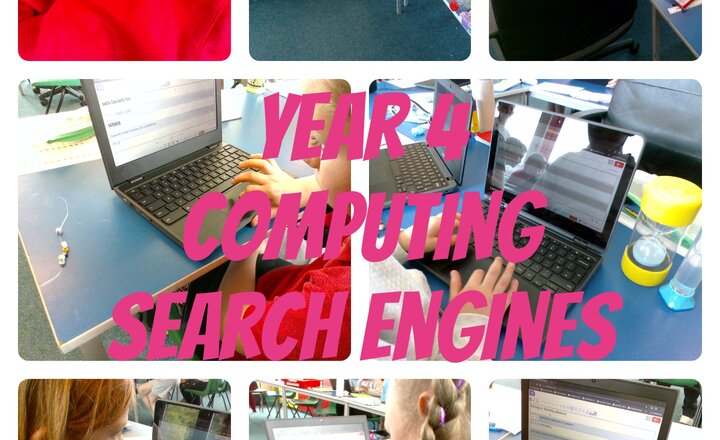
Year 4 Computing - Search Engines
This week we have been looking at Internet Search Engines and how to best find the information, check its accuracy and how to interpret and sort results.
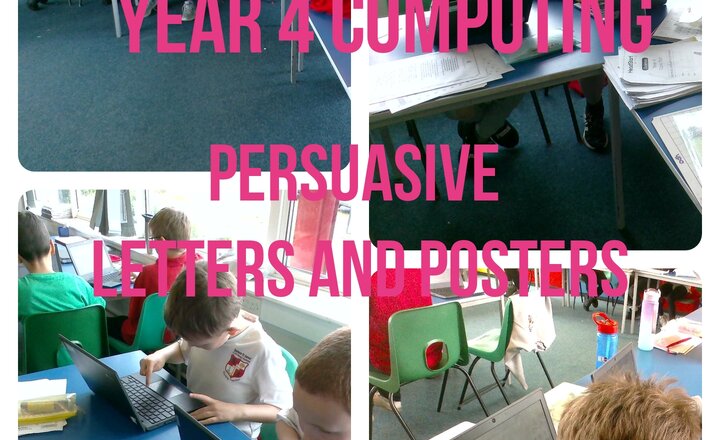
Year 4 Computing - Persuasive Letters and Posters
Year 4 have been building upon their flow charts last week and writing persuasive letters and posters campaigning for a new playground in computing.
.jpg)
Reception Class - Introducing the Bee Bots
Today in Reception the children have been programming the Bee Bots to follow an instruction, referring back to the arrows we learned about last week. The children had retained the names of the arrows, along with being able to correctly identify left and right. They could navigate the Bee Bot to fllow the directions of the arrow, explaining what was happening.
.jpg)
Micro:bit Club - Creating a Digital Pet
Today the children have been programming their Micro:bit to create a digitial pet. There were lots of variables needed and lots of code to debug! The children showed gret perseverence and were proud of their finished program.
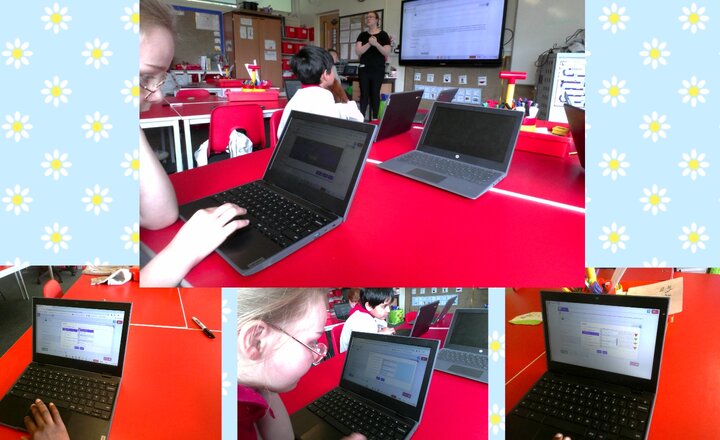
Year 3 - Computing - Adding an Attachment to an Email.
In our computer lesson today Year 3 have been learning how to add an attachment to an email. They had to reply to an email from the King then attach the safety quiz that they had made last lesson.
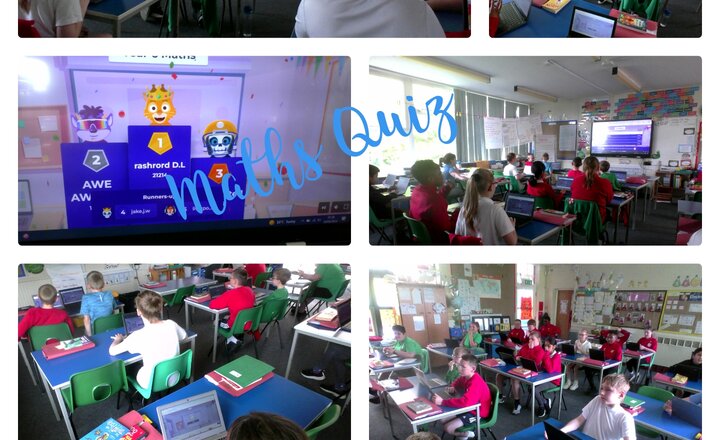
Year 6 Maths Quiz
Year 6 have been working really hard this week on maths revising and preparing for SATs, so this morning we had a lot of fun testing our knowledge on a Maths quiz on Kahoot.
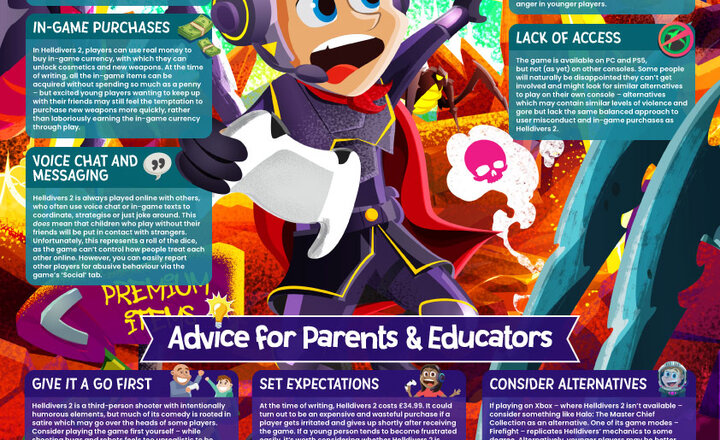
Online Safety - Helldivers 2
Within the last few months, Helldivers 2 has propelled to immense popularity in the gaming community, with players of all ages enjoying its frenetic combat, humorous presentation, and challenging gameplay. Whether they’re cooperating with friends or competing with strangers, the game has attracted many young players despite its higher age rating. As can be expected from an online game – especially one rated 18+ – there are several inherent online safety risks posed to children and young people who play Helldivers 2; from the content of the game itself to the dangers of interacting with strangers online. Our guide highlights the most prominent hazards of Helldivers 2 and provides you with top tips for keeping its younger players safe.
.png)