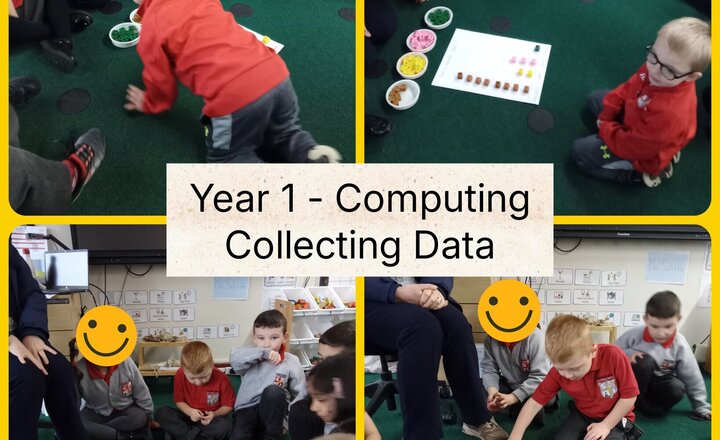
Year 1 Computing: Collecting data
In computing this week, Year 1 had an unplugged lesson exploring data. First, we answered questions about some of our favourite things, we voted using cubes. Once everyone had picked their favourite, we could see some very interesting information ... DATA! The information that can be collected and used is called "data" and our data showed that Year 1's favourite animal is a rabbit and our favourite ice cream flavour is a tie between chocolate and strawberry.
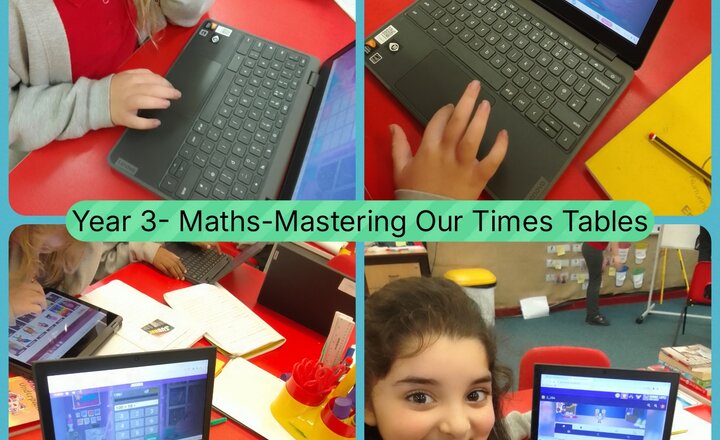
Year 3 - Maths - Mastering Times Tables
Year 3 class successfully embarked on a mission to master our times tables using the fantastic online resource, Times Tables Rock Stars (TTRS). We adopted our rock star alter egos and dove headfirst into the world of multiplication and division.
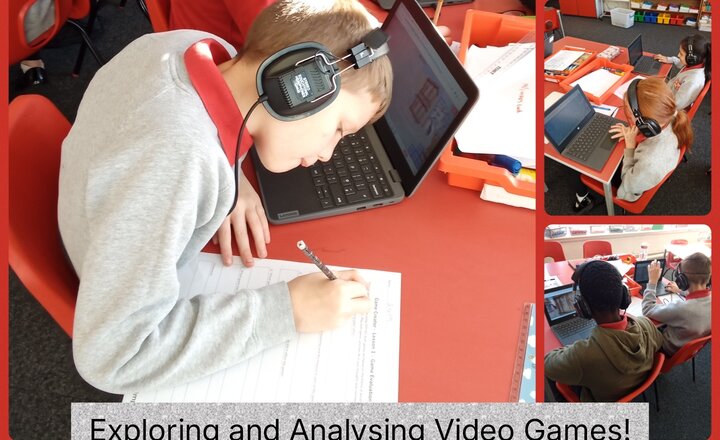
Year 5 Computing - Exploring and Analysing Video Games!
Year 5 has launched into their new Computing unit on Game Creation by critically exploring video games developed using Purple Mash 2DIY3D. Students engaged in rigorous evaluation, analysing what constitutes a high-quality game, including its graphics, audio design, and core action. They then applied this analytical process to the sample games, identifying any shortcomings and brainstorming precise ways their own upcoming game designs could innovatively address these flaws.

Year 2 - Computing - Designing Christmas Cards
Today's Year 2 computing lesson focuses on digital design as students create their very own Christmas cards for the school competition. Using a child-friendly graphic design application (such as a simple drawing tool or a presentation program), children will learn to utilize basic tools like shapes, text boxes, and digital brushes. The key learning objectives are to practice manipulating digital objects and to understand the concept of saving and retrieving digital work. They will select appropriate backgrounds, draw festive pictures, and add personalized messages, encouraging them to think creatively while developing their fundamental mouse and keyboard skills to produce a colorful, unique final entry.
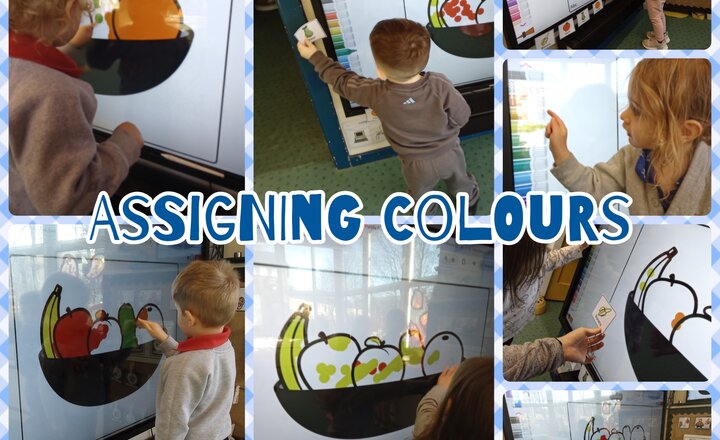
Nursery - Computing - Assigning Colours
In this computing lesson, the children continued to build their digital literacy skills using the 'Paint Projects' function on Purple Mash to create colorful fruit bowls, directly linking to our story, Kitchen Disco. The children were tasked with carefully assigning colours to the different fruits in their bowls. To do this, they relied on visual references—drawing on their prior knowledge from story time, snack time, and home life—to ensure they selected the correct colours for fruits like bananas, apples, pears and oranges. The activity strongly encouraged the children to select the correct colours for their chosen fruits, which enforced greater control and legibility in their digital mark-making. By focusing on specific colour selection rather than free choice, the children practiced intentionality and precision within the digital environment.
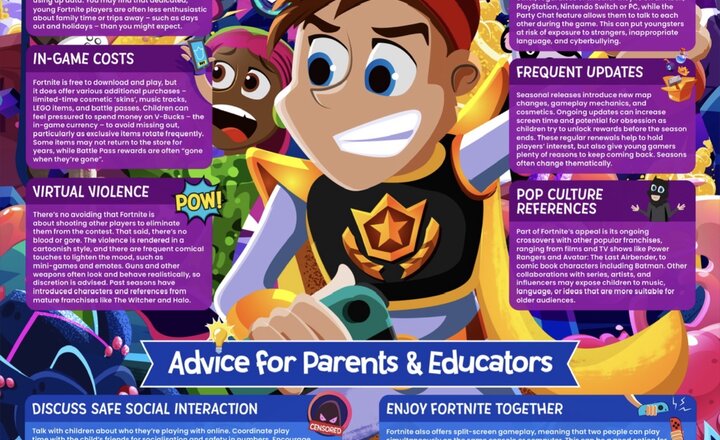
Online Safety - Fortnite
Fortnite continues to reign supreme in the gaming world, drawing in millions of players with its bold graphics, fast-paced action and constant stream of new content. This guide looks at the latest developments in the game – such as themed updates, crossover characters and limited-edition cosmetics – and what they mean for young players and the adults who support them. It also unpacks some of the key online safety risks associated with Fortnite. With in-game purchases, cross-platform communication and regular seasonal updates creating an ‘always on’ experience, it’s vital that trusted adults understand how to help children and young people enjoy the game without being exposed to unnecessary risks.
.jpg)
Nursery - Computing - Pumpkin Creations
Our computing focus this week centered on building digital literacy skills using the draw function on Purple Mash. The main task involved the children creating their own pumpkin art. To support their work, the children were provided with a digital pumpkin outline and had three tangible pumpkins available as real-life references for colour and detail. The children carefully observed the colours of the real pumpkins and selected from the available digital pens. Some children then chose to tap the screen to create controlled dots on their pumpkins, while others used longer, sweeping movements to create lines or circles. This activity successfully encouraged careful observation and allowed the children to practice fundamental digital skills, like using a cursor or finger for purposeful mark-making on a screen.
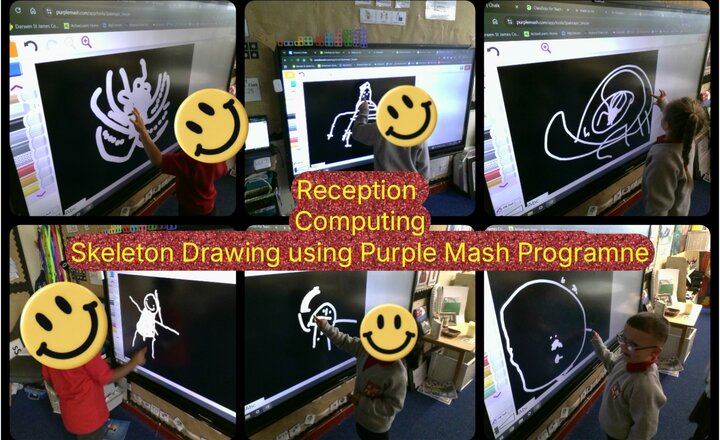
Reception- Computing- Skeleton Drawing using Purple Mash Programme
The children have used the purple mash programme to create a skeleton on the interactive board. The children selected the colours and tools they needed to make their own skeleton using language that we have been learning throughout the week. The children concentrated on the small features of their skeleton and showed great control with their fine motor movements. Some children created themselves and others created an animal.
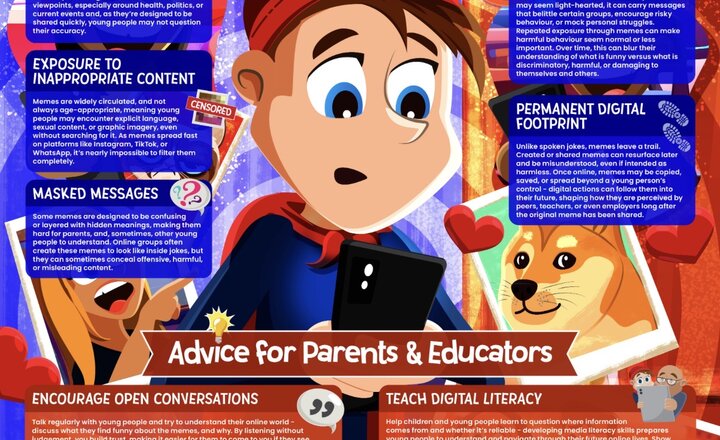
Online Safety - Memes
They’re everywhere online, but do you really know what memes are saying? ???? This week’s #WakeUpWednesday guide explores the role of memes in youth culture - and why they’re not always as harmless as they seem. From hidden messages to misinformation, we break it down ???????? Plus, we share four simple ways parents and educators can guide young people to engage more safely with memes - encouraging empathy, critical thinking and healthier digital habits ????????
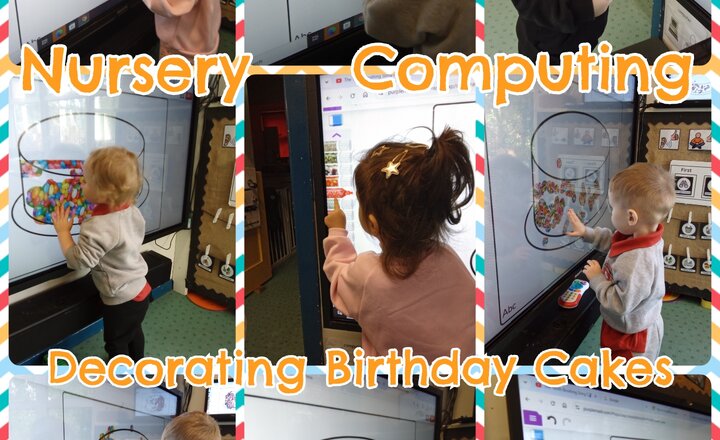
Nursery - Computing - Decorating Birthday Cakes
This computing lesson introduced basic digital literacy skills by having the children decorate a birthday cake on Purple Mash. The children successfully used simple controls for digital mark-making, developing foundational coordination on-screen. This activity was also used to encourage communication, as we discussed their chosen toppings and their likes and dislikes. A number of children demonstrated early navigational skills by learning to scroll through the menus and select different decorative elements for their cakes. They did a brilliant job of translating their ideas into digital designs, reinforcing their understanding of basic input.
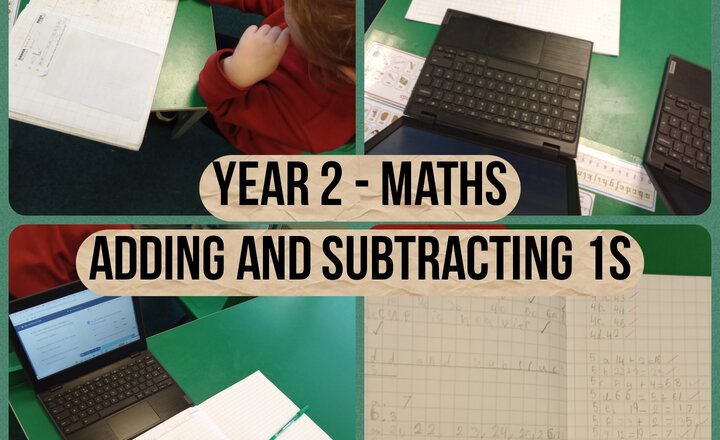
Year 2 - Maths - Adding and Subtracting 1s
Year 2 have been working hard in maths, learning how to add and subtract ones. This lesson was extra special because it was the first time we used Google Classroom on the Chromebooks! The children did a great job navigating the new technology. We also focused on presentation, learning how to use the squares in our books to set out our work neatly instead of using worksheets. A big well done to Year 2 for embracing these new skills!
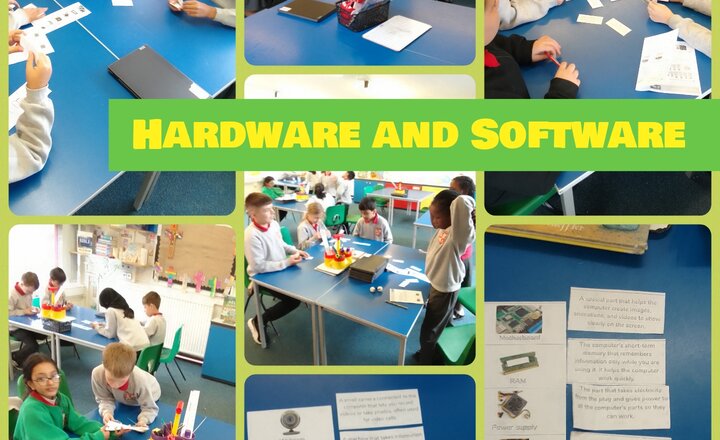
Year 4 Computing - Hardware and Software
Year 4 have been learning about all the different types of equipment that help make a computer function. We have been looking at the different types of hardware and software that we use for a variety of tasks and how these help us in our everyday lives. Year 4 had to put their learning to the test by working together in a group quiz - it was very exciting and some their were great displays of teamwork, discussion and listening to each other.
.png)