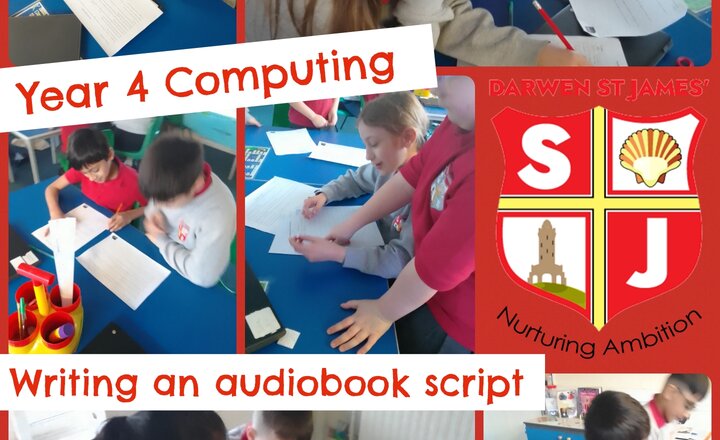
Year 4 Computing - Writing an audiobook script
Year 4 have been learning about audiobook in this Computing unit and have been excited to create our very own audiobook! We have worked with a partner on a script this week, delegating different jobs, such as narrators, sound co-ordinators and technicians. Lots of work, but the end result will be worth it!
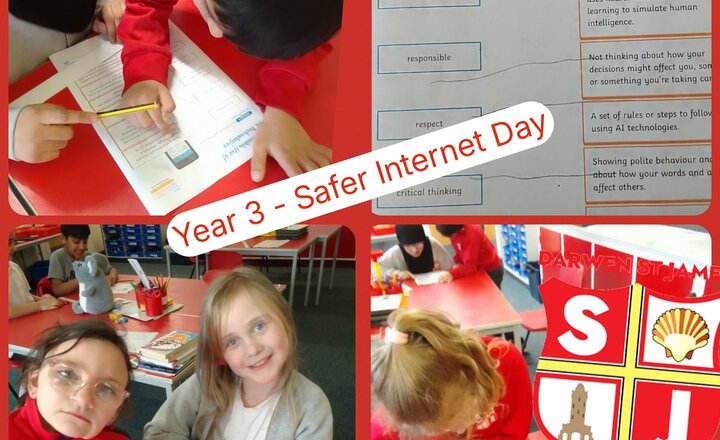
Year 3 - Safer Internet Day
Year 3 have been absolute Internet Legends as we celebrated Safer Internet Day! Our young digital citizens spent the day exploring how to use the internet for good while keeping themselves and their friends safe. Through interactive games and group discussions, we tackled some big questions about life online.
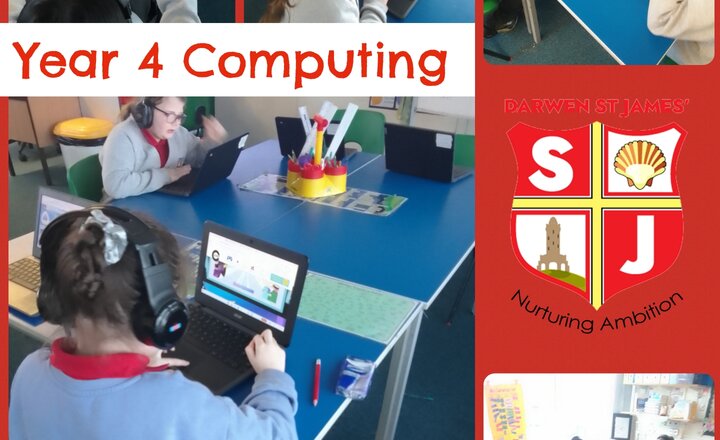
Year 4 Computing - Internet Safety
In this week's computing lesson, Year 4 have been exploring the ways in which we can keep ourselves safe when using the Internet. We have learnt that we cannot always trust what we see and that we should never tell others personal things about ourselves when we are online. Year 4 completed a quiz to show their expertise and enjoyed playing a game, helping our character make the right choices when faced with an online problem.
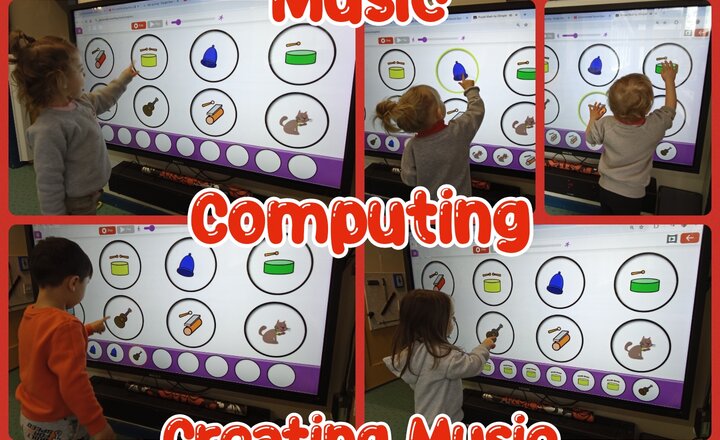
Nursery - Music - Computing - Creating Music
This week, the children enjoyed making their own music using the 2Explore tool on Purple Mash. We focused on using the computer to find different noises and seeing how we could put them together to make a fun tune. The children thoroughly enjoyed listening to the wide variety of sounds available within the software. They practiced their navigational skills to select and trigger different instrumental notes and effects, discovering how the software combined their chosen sounds into a continuous song. This process allowed them to experiment with different noises and hear how they sounded together in a rhythmic way. There was a wonderful sense of achievement as the children listened back to their completed "songs." Many were so proud of their digital creations that they even began dancing to the beats they had produced.
Computing Club - Microbits
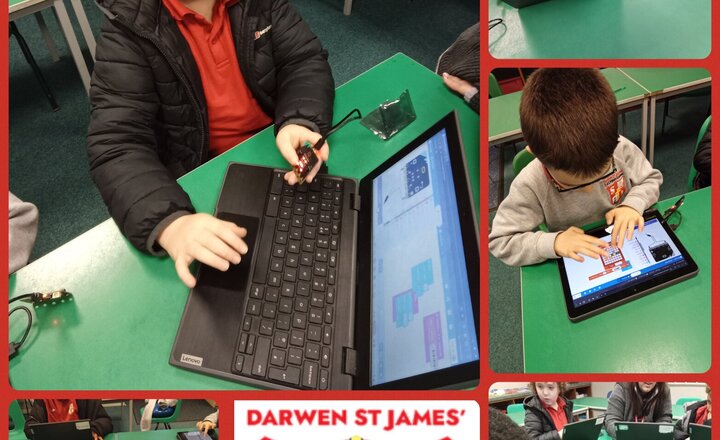
Can you transform a pocket-sized circuit board into a game of chance or a musical instrument? This week, our Computing Club used Micro:bits to bring their coding projects to life. The pupils programmed their devices to play Rock, Paper, Scissors, using a "shake" motion to trigger a random choice. They also explored sound and light by coding the Micro:bits to play custom tunes and display different animated characters and faces. It was a brilliant session that showed just how creative you can be with a little bit of logic and a lot of imagination. #ComputingClub #MicroBit #STEM #PrimaryCoding #DigitalLiteracy #FutureCoders #CodeClub
Pre-School-Computing-Where Does Handa live?
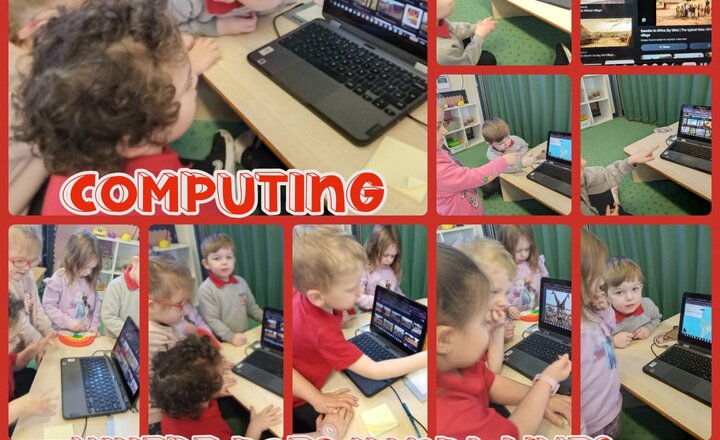
In Computing in Preschool, we have been using Google Maps and Google Images to find out where Handa lives. The children loved using Google Maps to discover that Handa lives in Africa and to see where Africa is in the world. We used Google Images to look at villages in Africa, and the children were really engaged. They found it interesting to see how different our homes are compared to those of people living in huts in small villages in Africa.
Year 1 - Computing - Algorithms
Our Year 1 students are diving into the world of Computing by learning how to sequence algorithms correctly. To understand how computers follow instructions, we practiced breaking down everyday tasks into clear, logical steps. #Year1 #ComputingSkills #Algorithms #Sequencing
Mash Club - Extra Curricular Activities
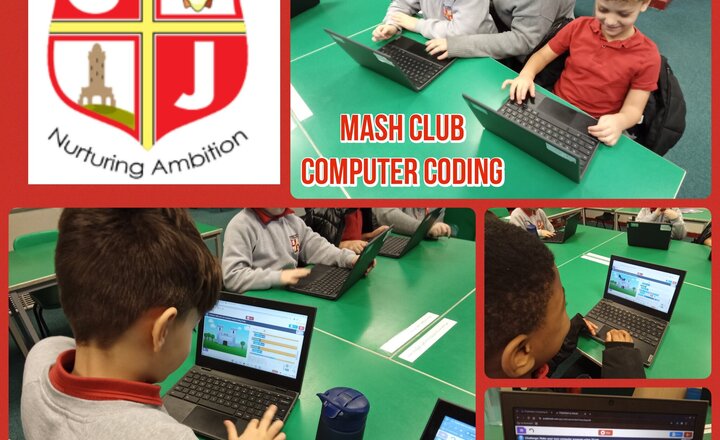
Have you ever wondered what it takes to build a digital world from scratch? This term in Computer Club, our talented young developers have been doing exactly that using Purple Mash to design and code their very own video games. By mastering block-based programming, the children successfully brought characters and animals to life, animating their movement and even giving them a voice through programmed dialogue. The real magic happened when we explored collision events, coding characters to transform their appearance the moment they touch, and adding a scoring system to turn their creations into fully functional, competitive challenges. It has been inspiring to watch them evolve from tech users into confident creators, tackling complex logic and debugging with incredible persistence! #DarwenStJames #ComputerClub #SchoolComputing #PurpleMash
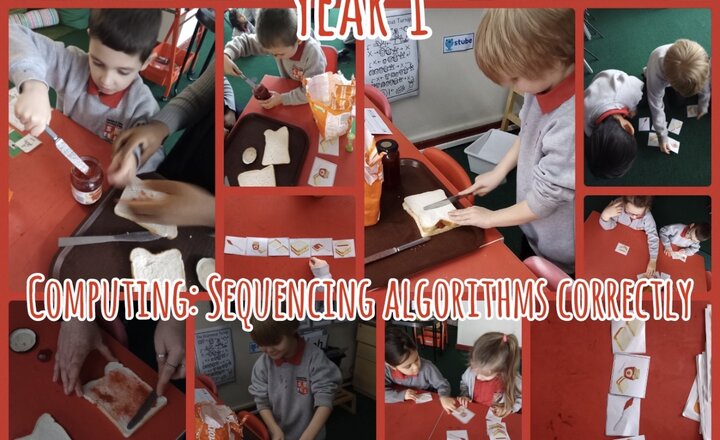
Year 1 Computing - Sequencing Algorithms
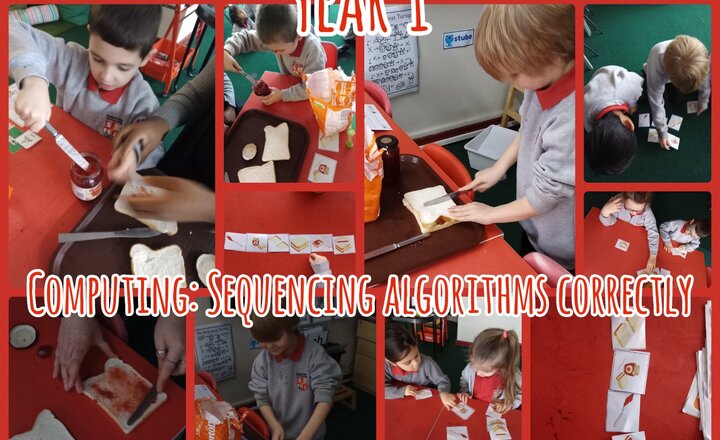
Jam first or bread first… and does the order really matter? ???????? Year 1 got hands-on with algorithms and sequencing today using Purple Mash, and things got deliciously logical. The children followed step-by-step instructions to make a jam sandwich, spotting quickly that if you get the order wrong, the outcome changes. Sticky proof that computers are very literal. They used picture cards from Purple Mash to sequence the algorithm, tested it in real life, then debugged when things didn’t quite work. Lots of great talk about first, next and finally, plus brilliant perseverance when spreads went astray. Computing, but make it practical, memorable and fun. Exactly how Year 1 should learn
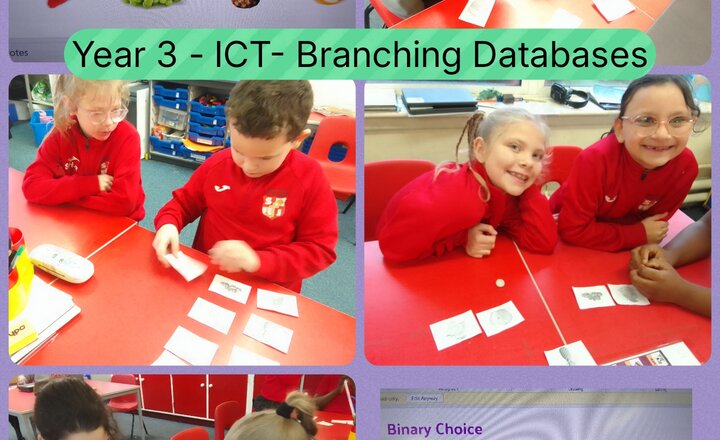
Year 3 - Computing - Branching Databases
This week, our Year 3 tech experts turned into "Data Detectives" as we explored branching databases. We learned how computers use simple Yes/No questions to sort information and solve mysteries. To master this skill, the children used images of different fruits to create their own digital sorting trees. They had to think carefully about the physical features of each fruit to help someone else "discover" a secret item.
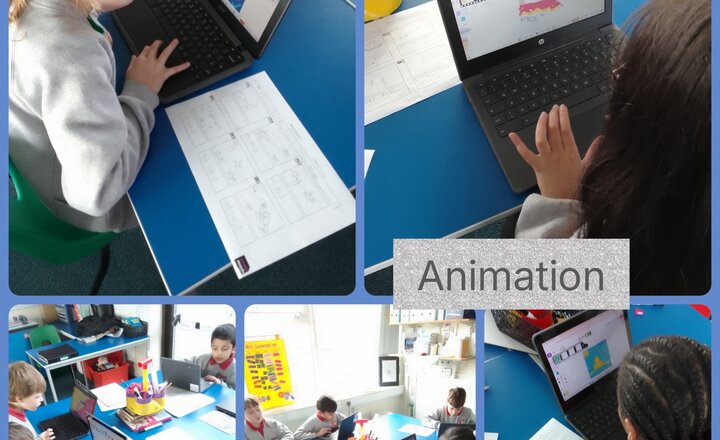
Year 4 Computing - Animation
Year 4 have enjoyed their Computing lessons, looking at the concept of animation during this topic. The children have worked hard to follow their story-map planning to create their own moving animation, complete with sound effects and drawn backgrounds, each one telling a different story, or giving different information for others. We enjoyed watching them all together and were impressed by everyone's efforts!
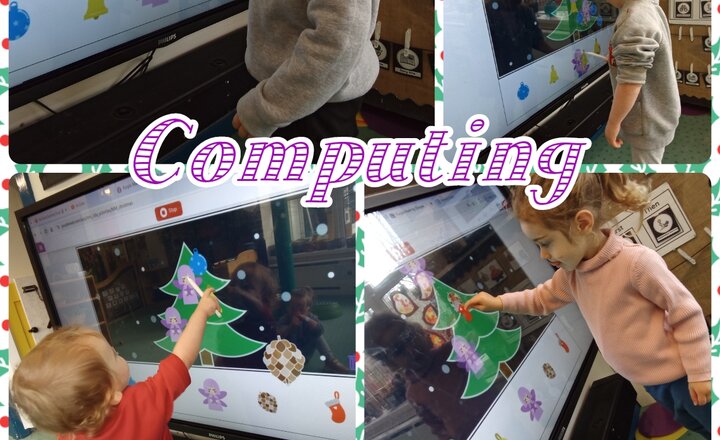
Nursery - Computing - Drag And Drop
This week, we moved beyond digital mark-making to introduce the new skill of drag and drop. Using an interactive screen, the children decorated a digital Christmas tree. The challenge focused on executing the new skill with precision. Children were encouraged to use their index finger or board pen for slow, controlled movements: picking up decorations, moving them to the tree, and accurately releasing them. This exercise successfully enforced precision and control, vital components of digital literacy. By practicing the sequence of pressing, holding, moving, and releasing, the children made great progress in mastering the 'drag and drop' function.
.png)